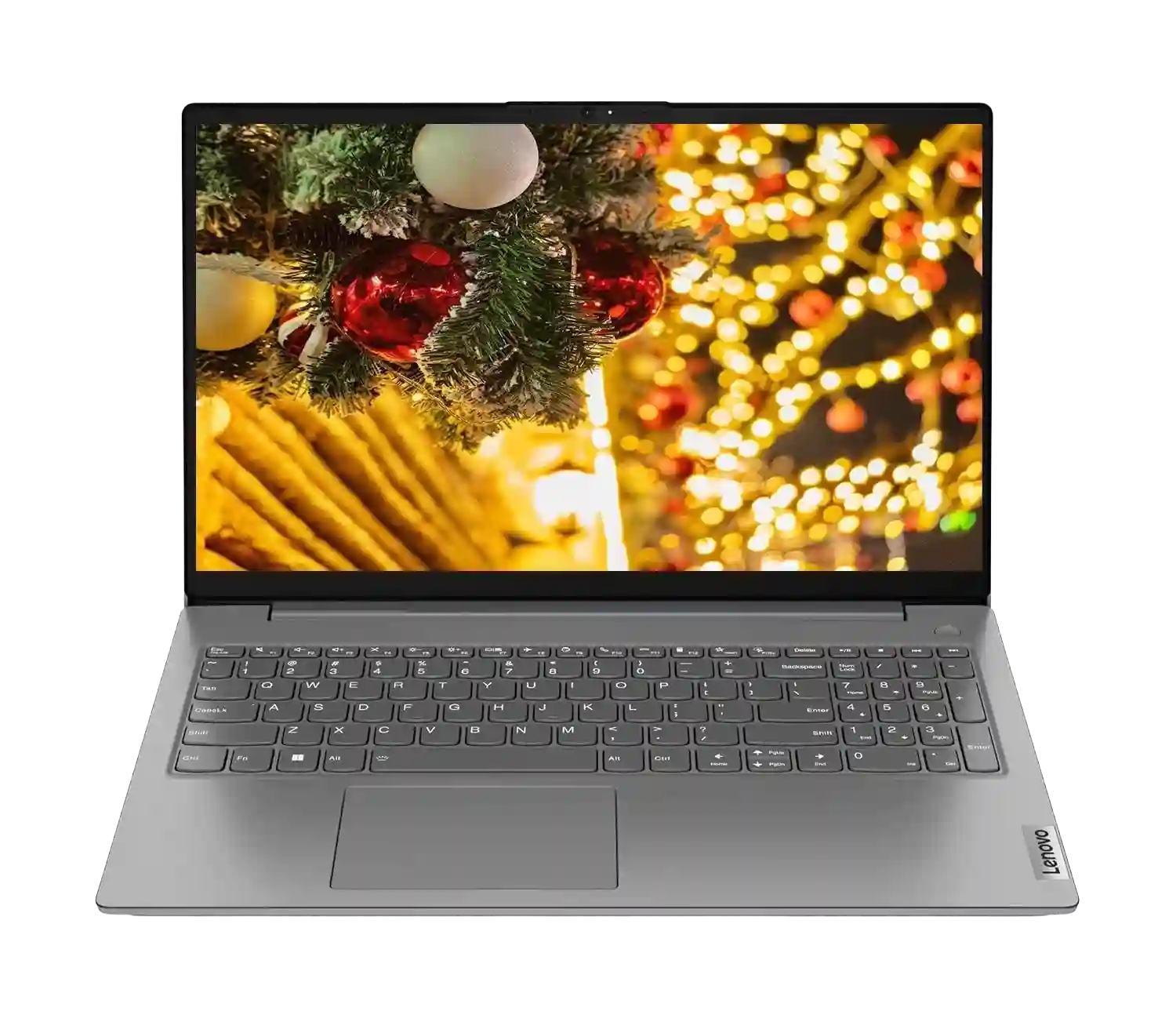
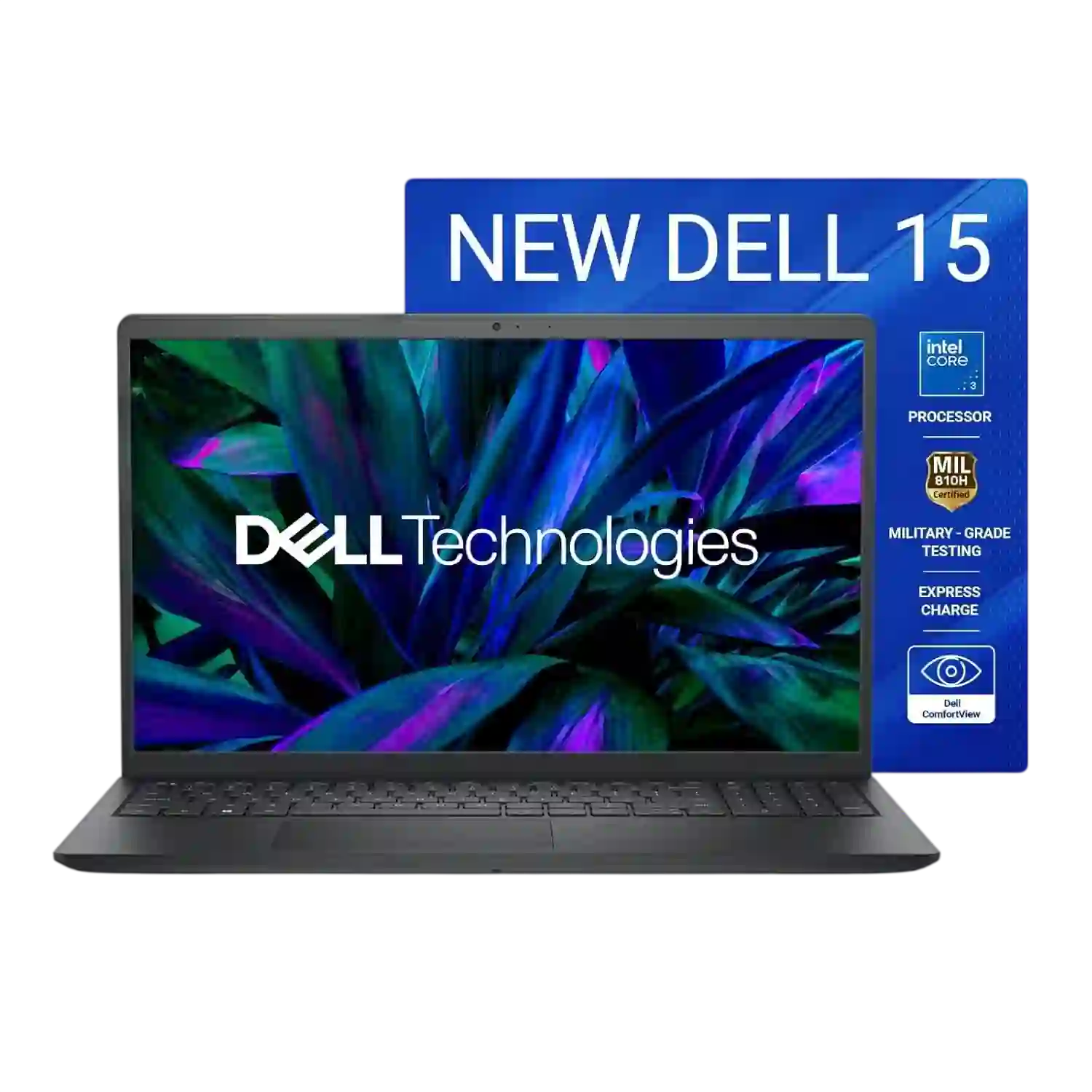
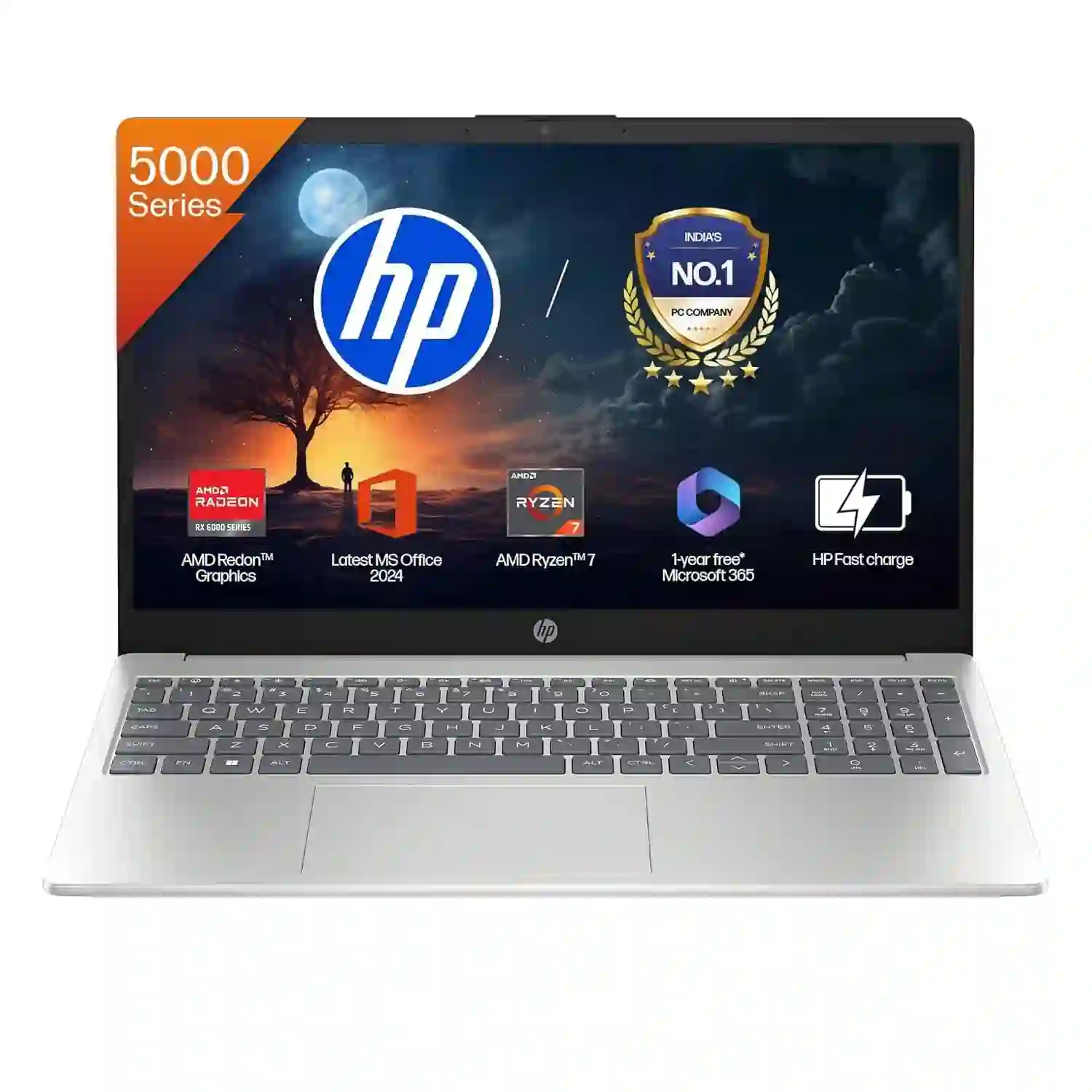
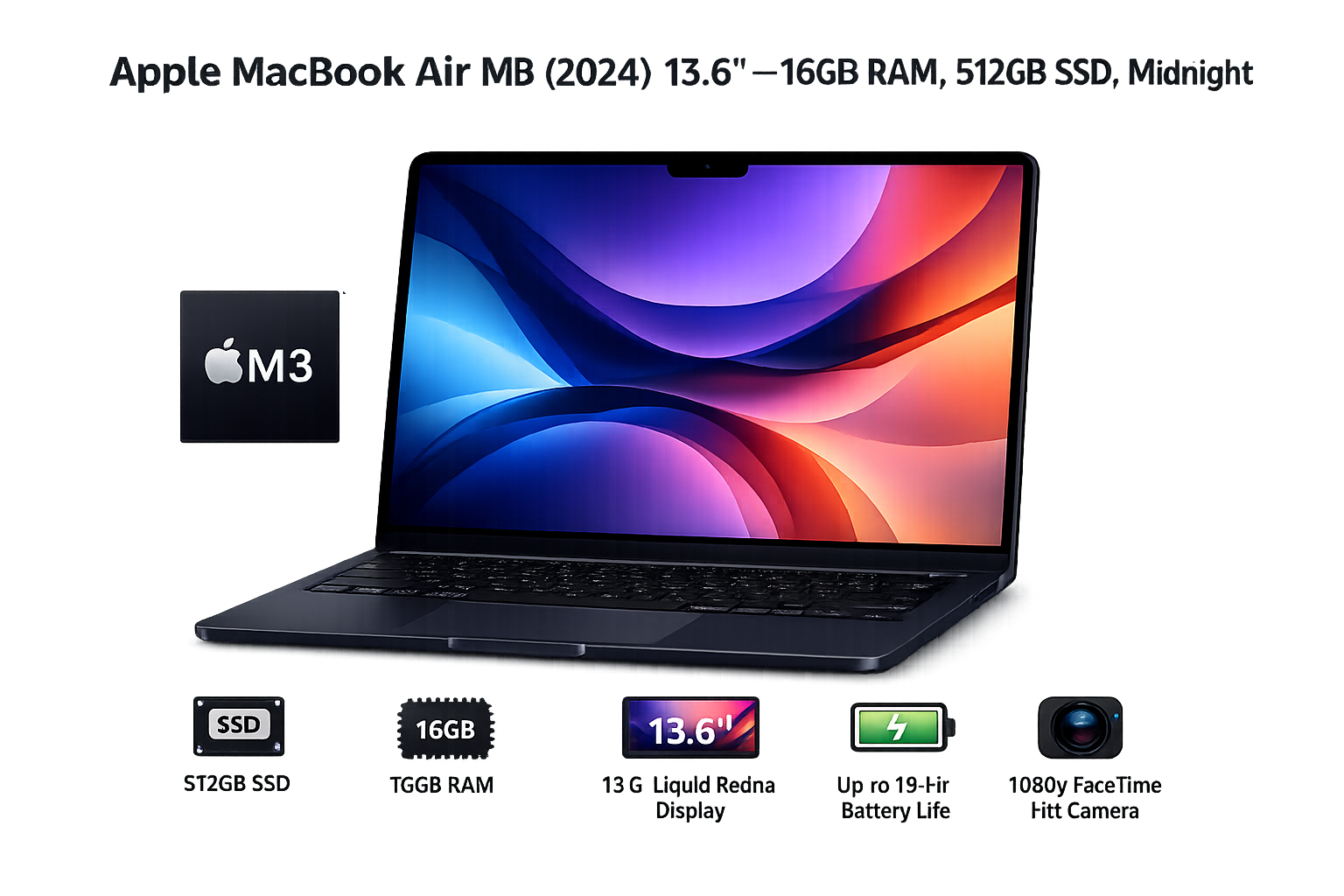
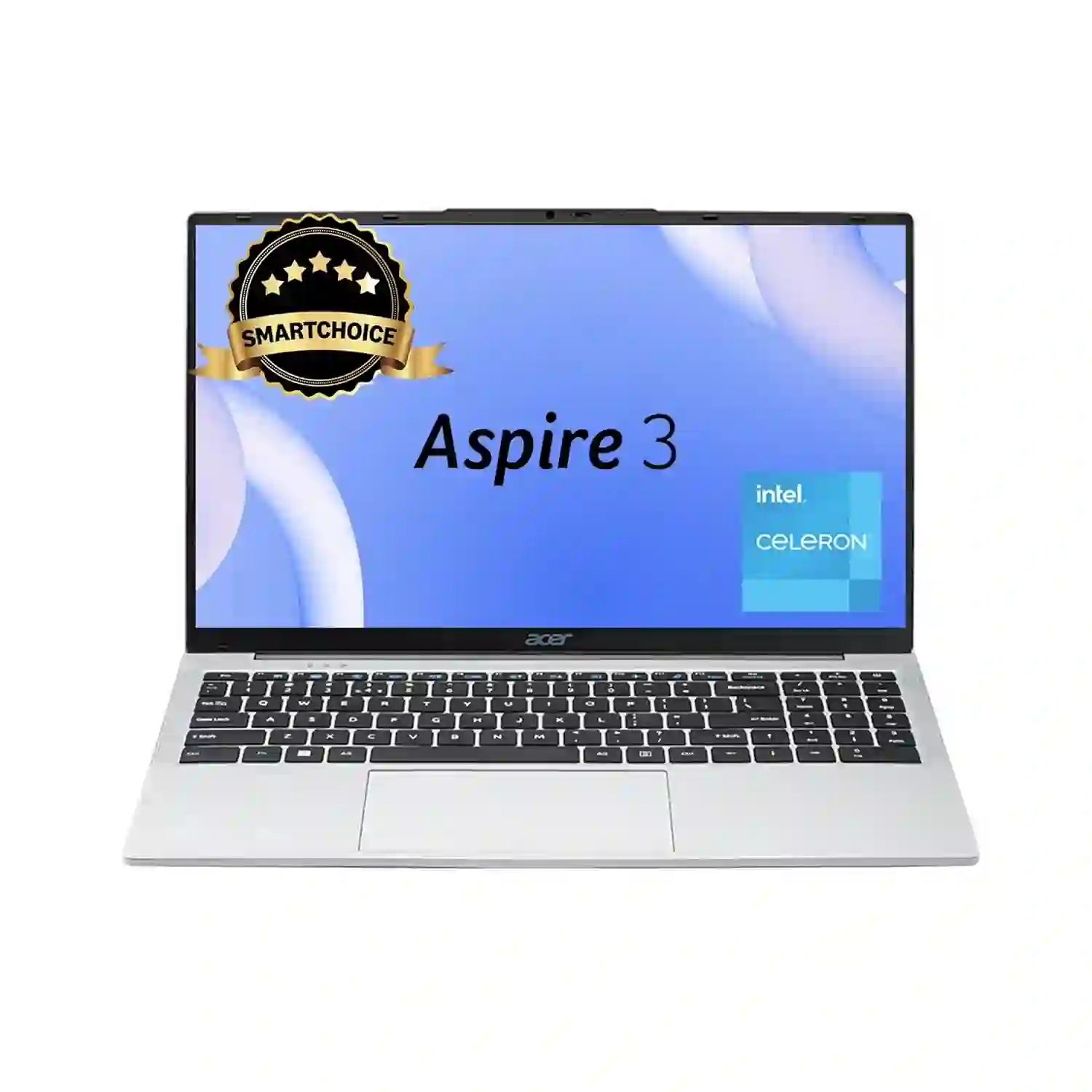
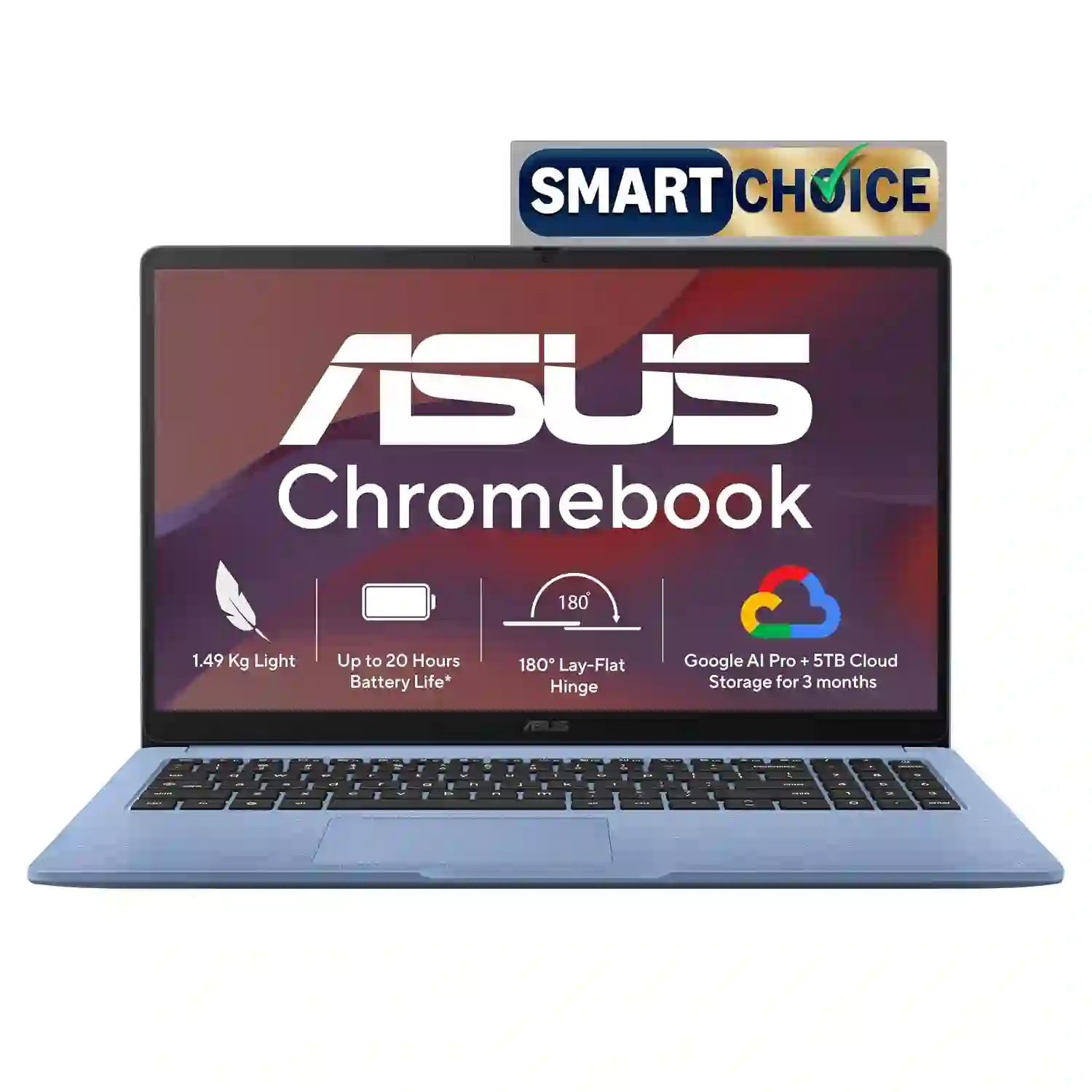
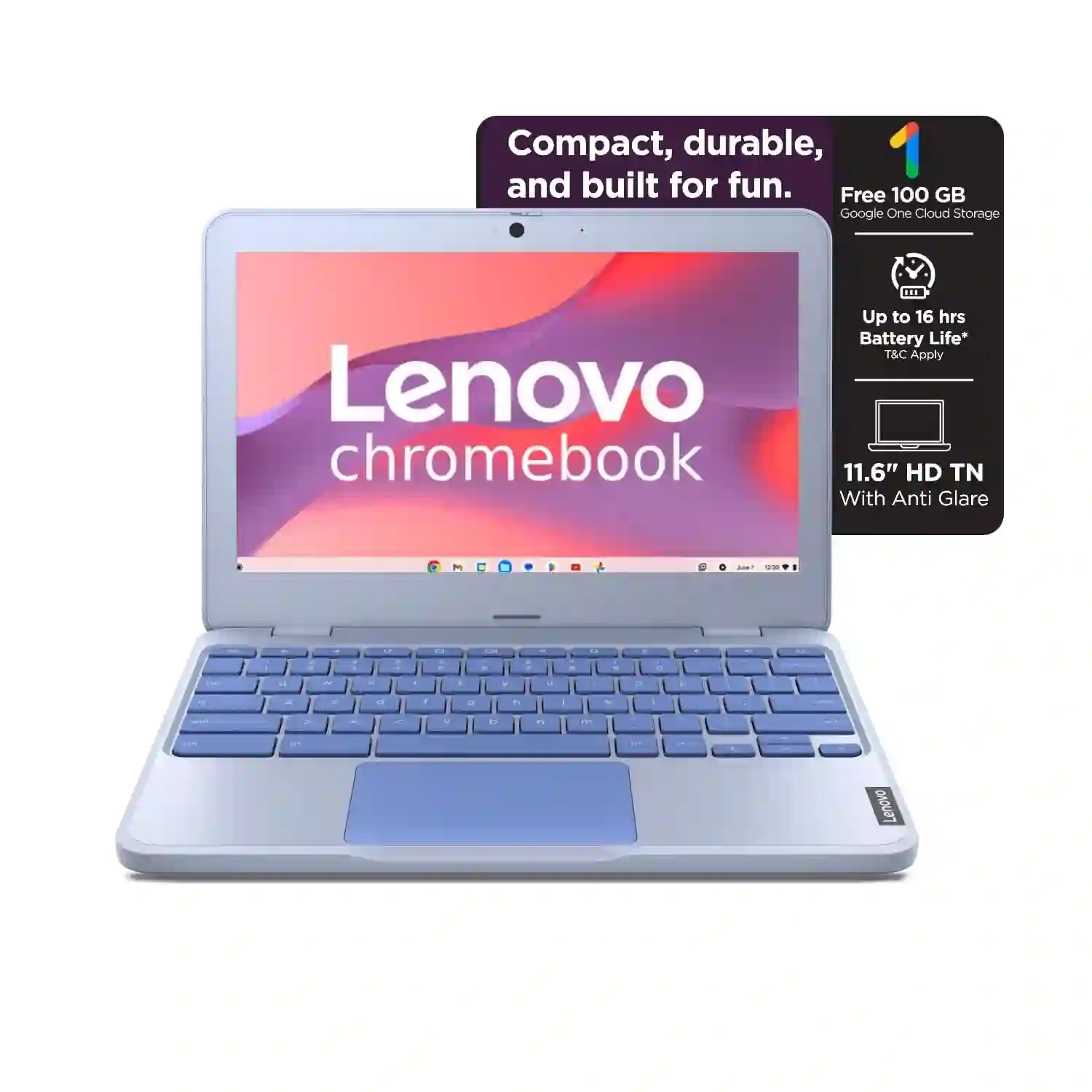
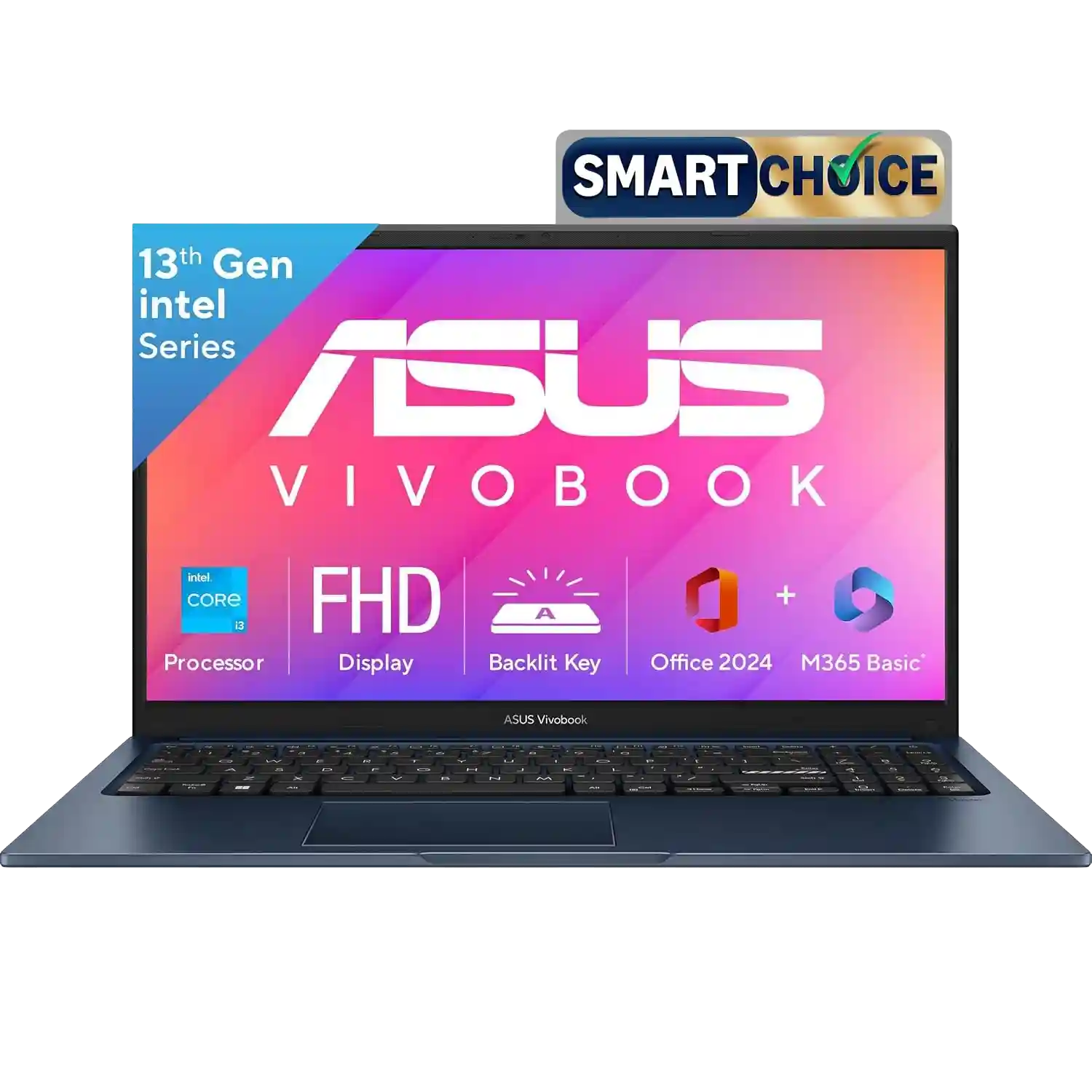
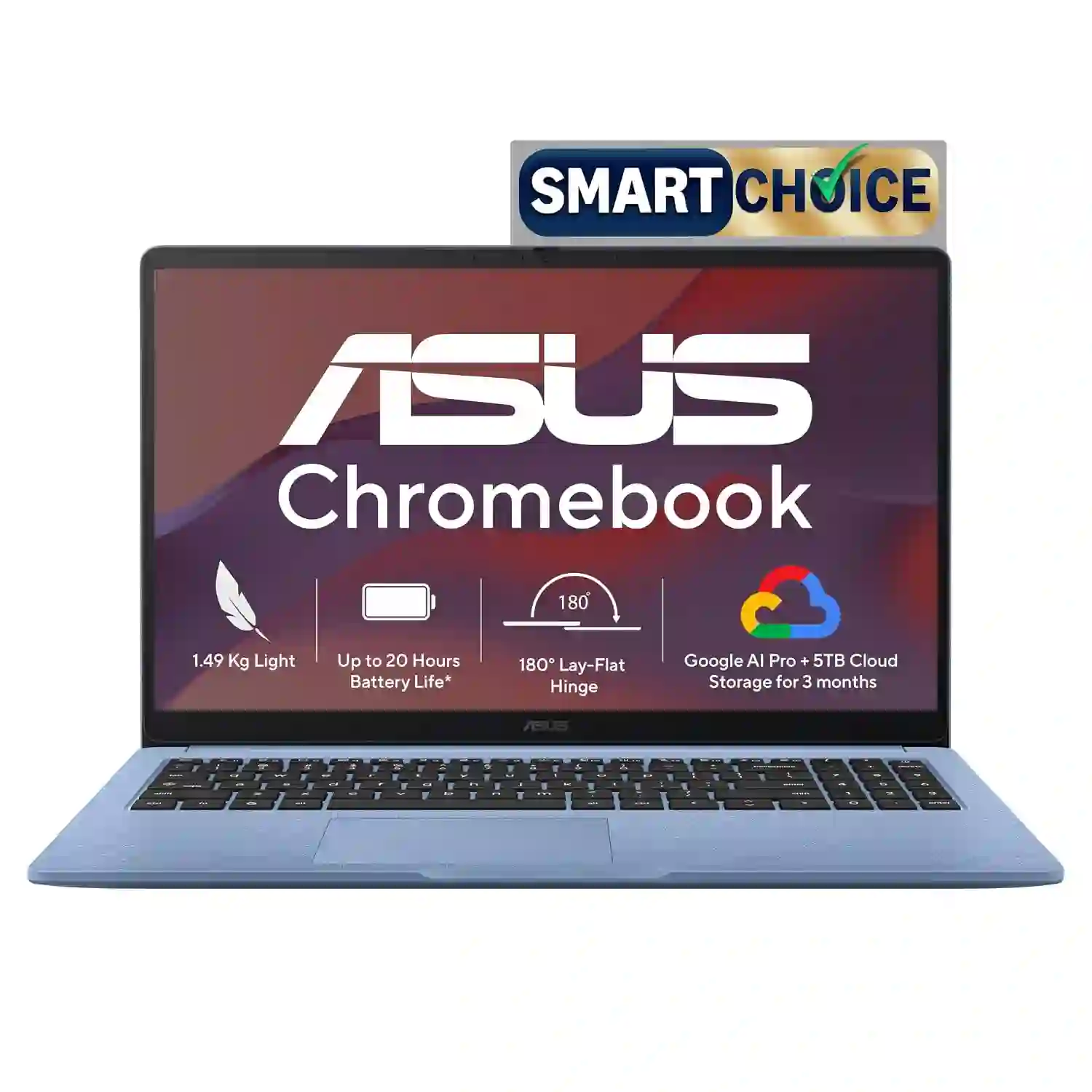
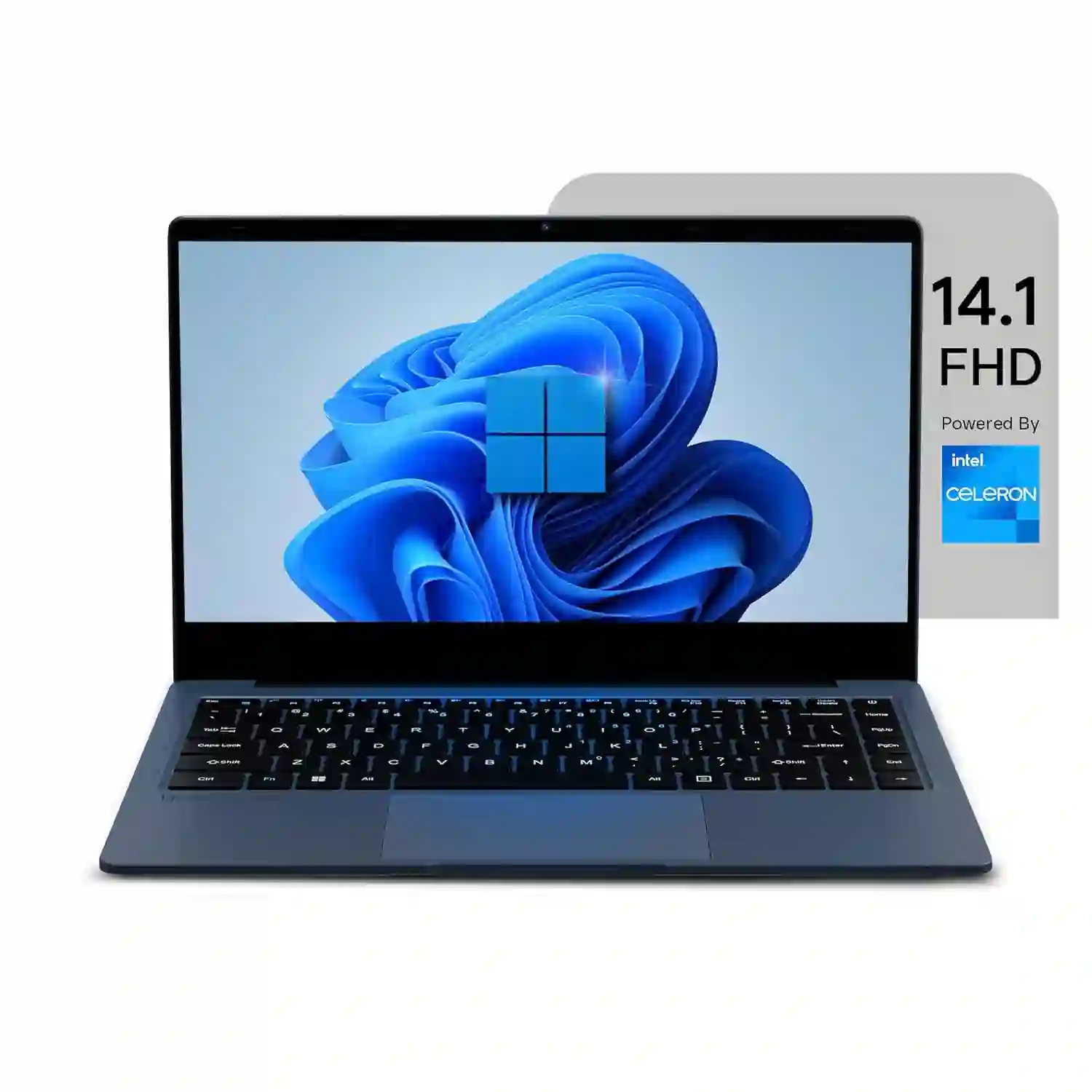
Laptop Products 28
Laptop Products (28 items)
The Complete Guide to Laptop Deals, Laptop Offers & Buying Guide (2026)
A Laptop has become one of the most essential devices for students, professionals, gamers, business owners, freelancers, and content creators. Whether you need a computer for online classes, office work, programming, video editing, gaming, or entertainment, choosing the right Laptop can significantly improve your productivity and overall experience.
The Laptop market has grown rapidly over the past few years, offering thousands of models with different processors, graphics cards, display sizes, storage capacities, and price ranges. Because of this wide selection, buyers often find it difficult to choose the best Laptop that fits both their needs and budget.
Fortunately, many online stores and laptop brands regularly introduce Laptop Deals, Laptop Offers, seasonal discounts, cashback promotions, exchange bonuses, and exclusive coupon codes. Comparing these offers before making a purchase can help you save a considerable amount of money while purchasing a Laptop with better specifications.
This category page is designed to help you compare the latest Laptop deals while also providing a comprehensive guide to understanding Laptop specifications, performance, features, buying tips, and maintenance recommendations.
Important Information About Laptop
| Feature | Details |
|---|---|
| Category | Electronics |
| Product Type | Portable Computer |
| Best For | Students, Professionals, Gamers, Businesses |
| Operating Systems | Windows, macOS, Linux, ChromeOS |
| Screen Sizes | 11 to 18 Inches |
| Processor Options | Intel, AMD, Apple Silicon |
| RAM | 4GB to 64GB+ |
| Storage | SSD, NVMe SSD, HDD |
| Graphics | Integrated or Dedicated GPU |
| Battery Life | 4 to 20+ Hours |
| Connectivity | Wi-Fi, Bluetooth, USB, HDMI, Thunderbolt |
| Upgrade Options | Depends on Model |
| Price Range | Budget to Premium |
What is a Laptop?
A Laptop is a portable personal computer that combines the display, keyboard, touchpad, battery, processor, memory, and storage into one compact device.
Unlike desktop computers, a Laptop can be used almost anywhere without requiring permanent power or external peripherals.
Modern laptops are designed for:
- Office work
- Online learning
- Programming
- Video editing
- Graphic design
- Gaming
- Web browsing
- Content creation
- Business applications
- Entertainment
Because of their portability and versatility, laptops have become the preferred computing device for millions of users worldwide.
Why Laptops Are So Popular?
A Laptop offers the perfect combination of mobility, performance, and convenience.
Some of the main reasons people prefer laptops include:
- Portable design
- Long battery life
- Compact size
- Easy setup
- Wireless connectivity
- Powerful performance
- Suitable for work and entertainment
- Wide range of configurations
Whether you work from home, travel frequently, or study online, a Laptop provides the flexibility to stay productive from almost anywhere.
Main Components of a Laptop
Understanding Laptop components helps buyers make better purchasing decisions.
Processor (CPU)
The processor is the brain of a Laptop.
Popular processor families include:
- Intel Core i3
- Intel Core i5
- Intel Core i7
- Intel Core i9
- AMD Ryzen 3
- AMD Ryzen 5
- AMD Ryzen 7
- AMD Ryzen 9
- Apple M-series processors
The processor directly affects multitasking, application performance, and overall system responsiveness.
Memory (RAM)
RAM stores temporary information while applications are running.
Common RAM capacities include:
- 4GB
- 8GB
- 16GB
- 32GB
- 64GB
More RAM improves multitasking and application performance.
Storage
Most modern laptops now use SSD storage.
Storage options include:
- 256GB SSD
- 512GB SSD
- 1TB SSD
- 2TB SSD
Some budget laptops may still include traditional HDD storage, although SSDs provide much faster performance.
Graphics Processor (GPU)
Graphics processing can be handled by:
- Integrated graphics
- Dedicated graphics cards
Dedicated GPUs are recommended for:
- Gaming
- Video editing
- 3D rendering
- Professional design
Display
Laptop displays vary in:
- Size
- Resolution
- Brightness
- Refresh rate
- Panel technology
Popular resolutions include:
- HD
- Full HD
- 2K
- QHD
- 4K
Types of Laptop
There are many different Laptop categories available today.
Choosing the right type depends on your requirements.
Student Laptop
Student laptops emphasize:
- Affordability
- Portability
- Long battery life
- Reliable performance
These laptops are suitable for:
- Online classes
- Assignments
- Research
- Video conferencing
Business Laptop
Business laptops prioritize:
- Security
- Reliability
- Productivity
- Professional design
They often include:
- Fingerprint readers
- TPM security
- Enterprise management features
- Durable construction
Gaming Laptop
Gaming laptops provide:
- Powerful processors
- Dedicated graphics cards
- High refresh rate displays
- Advanced cooling systems
These laptops support demanding games and creative applications.
Ultrabook
Ultrabooks are thin and lightweight.
Advantages include:
- Excellent portability
- Long battery life
- Premium design
- Fast SSD storage
They are ideal for professionals and frequent travelers.
Creator Laptop
Content creators often require laptops capable of handling:
- Video editing
- Animation
- Graphic design
- Photography
- 3D modeling
These models usually feature powerful CPUs and dedicated GPUs.
2-in-1 Laptop
Convertible laptops combine a laptop and tablet.
Features include:
- Touchscreen
- Foldable display
- Stylus support
- Flexible usage modes
These devices are popular among students and professionals.
Benefits of Using a Laptop
Purchasing a Laptop offers numerous advantages.
Portability
The biggest advantage is mobility.
You can work almost anywhere.
Battery Backup
Modern laptops provide several hours of battery life, allowing users to work without constant access to power outlets.
Space Saving
A Laptop requires very little desk space compared to a desktop computer.
All-in-One Design
Everything required for computing is built into the Laptop:
- Display
- Keyboard
- Speakers
- Webcam
- Battery
- Touchpad
This reduces clutter.
Wireless Connectivity
Most laptops include:
- Wi-Fi
- Bluetooth
- Wireless peripherals support
allowing cable-free operation.
Energy Efficiency
Laptops generally consume less electricity than desktop computers.
Laptop Display Technologies
Display quality plays a major role in user experience.
Common panel types include:
- TN
- IPS
- OLED
- Mini-LED
IPS and OLED displays generally offer superior color accuracy and viewing angles.
Laptop Keyboard Features
Keyboards vary significantly between Laptop models.
Premium models may include:
- Backlit keyboards
- Spill resistance
- Numeric keypads
- Larger touchpads
- Precision touch support
Comfortable keyboards improve productivity.
Laptop Connectivity
Modern laptops include numerous connectivity options.
Common ports include:
- USB-A
- USB-C
- HDMI
- Thunderbolt
- Audio jack
- SD card reader
Wireless connectivity usually includes:
- Wi-Fi
- Bluetooth
Battery Life
Battery life varies considerably depending on:
- Processor
- Display
- Battery capacity
- Usage pattern
Typical battery life ranges from:
- 6 hours
- 8 hours
- 12 hours
- 15+ hours
Premium laptops often provide all-day battery life.
Operating Systems
Different Laptop models include different operating systems.
Common choices include:
Windows
The most popular operating system.
Suitable for:
- Office work
- Gaming
- Programming
- Education
- Business
macOS
Designed for Apple laptops.
Popular among:
- Designers
- Developers
- Video editors
Linux
Preferred by many developers and system administrators.
Offers:
- Stability
- Security
- Flexibility
ChromeOS
Designed primarily for web-based computing.
Suitable for:
- Students
- Basic productivity
- Internet browsing
Who Should Buy a Laptop?
A Laptop is suitable for almost every type of user.
Students
Students need laptops for:
- Online classes
- Assignments
- Research
- Projects
Professionals
Office workers use laptops for:
- Documents
- Meetings
- Communication
- Business applications
Developers
Programming often requires:
- Powerful processors
- Sufficient RAM
- SSD storage
Content Creators
Creative professionals benefit from:
- Dedicated graphics
- Color-accurate displays
- Fast storage
Gamers
Gaming laptops provide the performance necessary for modern games.
Small Businesses
Businesses use laptops for:
- Accounting
- Customer management
- Marketing
- Administration
Why Compare Laptop Deals and Laptop Offers?
Laptop prices change frequently throughout the year. Retailers often launch special promotions during seasonal sales, festive events, back-to-school campaigns, and clearance events.
Comparing multiple Laptop Deals and Laptop Offers before purchasing helps you find better value and avoid overpaying for similar specifications.
Some promotions may include:
- Instant discounts
- Bank offers
- Exchange bonuses
- Cashback offers
- No-cost EMI
- Student discounts
- Extended warranty
- Free accessories
- Bundle offers
Instead of selecting the first Laptop you find, compare specifications, reviews, warranty coverage, and the latest Laptop Deals to choose the option that offers the best balance of performance, features, and price.
Laptop vs Desktop
Many buyers compare a Laptop with a desktop computer before making a purchase. While both can perform similar tasks, they differ significantly in portability, upgradeability, performance, and overall convenience.
| Feature | Laptop | Desktop |
|---|---|---|
| Portability | Excellent | None |
| Performance | High | Very High |
| Upgradeability | Limited | Excellent |
| Battery | Built-in | Not Available |
| Space Required | Very Low | High |
| Power Consumption | Low | Higher |
| Best For | Students, Professionals, Travelers | Gaming, Workstations, Offices |
A Laptop is ideal for users who need flexibility and mobility, while a desktop is better suited for users who prioritize maximum performance and easy hardware upgrades.
Laptop vs Chromebook
Chromebooks have become popular among students and casual users, but they differ from traditional laptops.
| Feature | Laptop | Chromebook |
|---|---|---|
| Operating System | Windows, macOS, Linux | ChromeOS |
| Offline Software | Full Support | Limited |
| Gaming | Excellent | Limited |
| Professional Applications | Yes | Limited |
| Web Browsing | Excellent | Excellent |
| Price | Budget to Premium | Budget Friendly |
If your work depends on professional software, a Laptop running Windows or macOS is generally the better choice.
Laptop vs Tablet
Tablets offer excellent portability but cannot completely replace a Laptop for many users.
| Feature | Laptop | Tablet |
|---|---|---|
| Keyboard | Built-in | Optional |
| Productivity | Excellent | Moderate |
| Software Support | Full Desktop Apps | Mobile Apps |
| Multitasking | Excellent | Good |
| Battery Life | High | High |
| Best For | Work, Study, Business | Entertainment, Reading |
Professionals, students, and creators usually benefit more from a Laptop because of its full operating system and desktop-class software.
Understanding Laptop Processors
The processor is one of the most important components of any Laptop.
Different processors are designed for different workloads.
Intel Processors
Intel processors are widely used across budget and premium laptops.
Popular series include:
- Intel Core i3
- Intel Core i5
- Intel Core i7
- Intel Core i9
Generally:
- Core i3 suits basic tasks.
- Core i5 offers excellent value for most users.
- Core i7 handles demanding workloads.
- Core i9 targets professionals and enthusiasts.
AMD Ryzen Processors
AMD Ryzen processors provide excellent performance across multiple price ranges.
Popular options include:
- Ryzen 3
- Ryzen 5
- Ryzen 7
- Ryzen 9
Ryzen processors are known for:
- Strong multitasking
- Competitive gaming performance
- Good power efficiency
Apple Silicon
Apple laptops use M-series processors.
Benefits include:
- Excellent battery life
- High performance
- Efficient power consumption
- Optimized software integration
Choosing the Right RAM
RAM affects multitasking performance.
Common recommendations include:
| RAM | Best For |
|---|---|
| 4GB | Basic browsing |
| 8GB | Students & Office Work |
| 16GB | Gaming & Multitasking |
| 32GB | Professional Work |
| 64GB+ | Advanced Content Creation |
For most users purchasing a Laptop today, 8GB or 16GB provides an excellent balance between performance and cost.
Laptop Storage Options
Storage influences both speed and available space.
SSD
Solid State Drives provide:
- Fast boot times
- Faster application loading
- Better reliability
- Silent operation
NVMe SSD
NVMe drives are even faster.
Advantages include:
- Extremely high read/write speeds
- Faster file transfers
- Better performance for demanding workloads
HDD
Traditional hard drives remain available in some budget models.
They provide:
- Larger storage
- Lower cost
However, they are slower than SSDs.
Graphics Options
Graphics performance depends on whether a Laptop uses integrated or dedicated graphics.
Integrated Graphics
Integrated graphics are suitable for:
- Office work
- Video streaming
- Internet browsing
- Basic editing
Dedicated Graphics
Dedicated graphics cards are recommended for:
- Gaming
- Video editing
- Animation
- 3D modeling
- CAD software
Popular GPU manufacturers include NVIDIA and AMD.
Display Features
Display quality significantly affects the user experience.
Important factors include:
Screen Size
Popular sizes include:
- 13-inch
- 14-inch
- 15.6-inch
- 16-inch
- 17-inch
Smaller screens improve portability.
Larger screens enhance productivity.
Resolution
Common resolutions include:
- HD
- Full HD
- QHD
- 4K
Full HD remains the most popular choice for everyday use.
Refresh Rate
Higher refresh rates provide smoother visuals.
Common options include:
- 60Hz
- 120Hz
- 144Hz
- 165Hz
- 240Hz
Gamers often prefer displays with higher refresh rates.
Battery Life
Battery life is an important consideration when purchasing a Laptop.
Battery performance depends on:
- Processor efficiency
- Display brightness
- Battery capacity
- Software optimization
- Workload
Many modern laptops provide enough battery life for an entire working day under normal use.
Gaming Laptop
Gaming laptops are designed for demanding workloads.
Typical features include:
- Powerful processors
- Dedicated graphics cards
- High refresh rate displays
- Advanced cooling systems
- RGB keyboards
- Fast SSD storage
Gaming laptops also perform well for content creation and professional applications.
Business Laptop
Business laptops prioritize:
- Reliability
- Security
- Portability
- Long battery life
Common features include:
- Fingerprint readers
- TPM security
- Durable construction
- Privacy shutters
- Enterprise management tools
These devices are well suited for office environments and remote work.
Student Laptop
Students often look for a Laptop that offers good performance without exceeding their budget.
Important considerations include:
- Affordable pricing
- Lightweight design
- Long battery life
- Reliable performance
- Comfortable keyboard
A balanced Laptop helps students complete assignments, attend online classes, and conduct research efficiently.
Creator Laptop
Content creators require higher performance than average users.
Creator-focused laptops often include:
- Dedicated graphics
- High-resolution displays
- Color-accurate panels
- Fast processors
- Large SSD storage
- Additional RAM
These specifications improve workflows for video editing, photography, animation, and graphic design.
Laptop Connectivity
Modern laptops include numerous connectivity options.
Common ports include:
- USB Type-A
- USB Type-C
- HDMI
- Thunderbolt
- Ethernet (on selected models)
- SD card reader
- Audio jack
Wireless technologies include:
- Wi-Fi
- Bluetooth
These features make it easy to connect external displays, storage devices, and accessories.
How to Choose the Best Laptop?
Choosing the right Laptop depends on how you plan to use it.
Define Your Purpose
Ask yourself:
- Will you use it for study?
- Office work?
- Gaming?
- Programming?
- Video editing?
- Business?
Your primary use determines the hardware you need.
Select the Right Processor
Choose a processor based on your workload.
Avoid paying for performance you may never use.
Choose Enough RAM
For most users:
- 8GB is suitable for everyday tasks.
- 16GB offers better multitasking.
- Higher capacities are ideal for professional workloads.
Prefer SSD Storage
An SSD improves:
- Boot speed
- Application loading
- Overall responsiveness
Whenever possible, choose SSD or NVMe SSD storage.
Consider Display Quality
Look for:
- Full HD resolution
- IPS or OLED panels
- Comfortable brightness
- Anti-glare coating
A quality display improves both productivity and entertainment.
Think About Portability
If you travel frequently, consider:
- Lightweight design
- Compact size
- Long battery life
These features improve everyday usability.
Check Warranty and Support
Reliable after-sales service adds long-term value.
Compare:
- Warranty period
- Service center availability
- Accidental damage protection
- Extended warranty options
Laptop Deals, Laptop Offers, and Laptop Discounts
Before purchasing a Laptop, always compare the latest Laptop Deals, Laptop Offers, and Laptop Discounts available from different retailers.
Common promotions include:
- Instant price reductions
- Coupon codes
- Bank discounts
- Cashback offers
- Exchange bonuses
- No-cost EMI
- Student offers
- Festival sales
- Bundle deals with accessories
Comparing multiple Laptop offers helps you purchase better hardware at a lower price.
Instead of focusing only on the discount percentage, compare specifications, warranty, customer support, and long-term value to ensure you choose the Laptop that best fits your requirements.
Best Practices for Using a Laptop
Purchasing the right Laptop is only the beginning. Proper maintenance and responsible usage can significantly improve performance, extend the device's lifespan, and reduce the likelihood of hardware issues. Whether you own a budget Laptop for everyday tasks or a premium model for professional work, following a few best practices will help you get the most from your investment.
Keep Your Operating System Updated
Operating system updates provide:
- Security improvements
- Bug fixes
- Performance enhancements
- Driver compatibility
- New features
Keeping your Laptop updated helps protect it against vulnerabilities and ensures smooth operation.
Install Software from Trusted Sources
Always download applications from official websites or trusted app stores.
Avoid installing unknown software, as it may:
- Contain malware
- Slow system performance
- Compromise personal data
Restart Your Laptop Regularly
Many users leave their Laptop running continuously for days or weeks.
Restarting periodically:
- Clears temporary memory
- Applies system updates
- Improves responsiveness
- Resolves minor software issues
Organize Your Files
Maintain a well-organized file structure by separating:
- Documents
- Photos
- Videos
- Projects
- Downloads
Regular organization makes important files easier to locate and helps reduce storage clutter.
Uninstall Unused Programs
Applications that are no longer needed consume storage space and may run unnecessary background processes.
Removing unused software can improve performance and free up valuable storage.
Laptop Performance Optimization Tips
Even a high-quality Laptop benefits from regular optimization.
Keep Storage Free
Avoid filling your storage drive completely.
Leaving sufficient free space helps:
- Improve system responsiveness
- Support temporary system files
- Maintain SSD performance
Use SSD Storage
If your Laptop supports upgrades, replacing a traditional hard drive with an SSD offers noticeable improvements.
Benefits include:
- Faster startup
- Quicker application loading
- Improved file transfers
- Better overall responsiveness
Reduce Startup Programs
Many applications launch automatically when the Laptop starts.
Disable unnecessary startup programs to reduce boot time.
Clean Temporary Files
Temporary files accumulate over time.
Removing them helps:
- Recover storage
- Improve performance
- Reduce unnecessary system load
Upgrade RAM When Possible
Some laptops allow memory upgrades.
Additional RAM improves:
- Multitasking
- Application responsiveness
- Productivity
Battery Care Tips
Battery health plays an important role in overall Laptop usability.
Avoid Extreme Temperatures
Excessive heat or cold can reduce battery lifespan.
Keep your Laptop within recommended operating temperatures.
Use the Original Charger
Original or certified chargers provide the correct voltage and charging characteristics.
Using low-quality chargers may affect battery health.
Avoid Blocking Air Vents
When using your Laptop:
- Place it on a hard surface.
- Keep cooling vents unobstructed.
Proper airflow helps maintain safe operating temperatures.
Store Properly
If storing your Laptop for an extended period:
- Keep it in a dry location.
- Avoid direct sunlight.
- Charge the battery periodically.
Laptop Security Best Practices
Protecting personal information is just as important as protecting hardware.
Use Strong Passwords
Create unique passwords for:
- User accounts
- Cloud storage
- Banking applications
Strong passwords reduce unauthorized access.
Enable Biometric Authentication
Many modern laptops include:
- Fingerprint readers
- Facial recognition
These features improve both convenience and security.
Keep Antivirus Software Updated
Reliable antivirus software helps protect against:
- Viruses
- Malware
- Ransomware
- Phishing attacks
Regular updates improve detection capabilities.
Backup Important Files
Store backups on:
- External drives
- Cloud storage
- Network storage
Regular backups reduce the risk of data loss.
Lock Your Laptop
Whenever leaving your workspace, lock your Laptop to prevent unauthorized access.
Cleaning and Maintenance
Regular cleaning keeps your Laptop looking new and functioning efficiently.
Clean the Display
Use a soft microfiber cloth designed for electronic displays.
Avoid harsh cleaning chemicals.
Clean the Keyboard
Dust and debris accumulate between keys.
Periodic cleaning improves hygiene and keyboard performance.
Keep Cooling Vents Clean
Dust buildup restricts airflow.
Cleaning cooling vents helps:
- Reduce temperatures
- Improve cooling
- Lower fan noise
Accessories That Improve Laptop Productivity
Several accessories enhance the Laptop experience.
Useful accessories include:
- Wireless mouse
- External keyboard
- Laptop stand
- USB hub
- External SSD
- Docking station
- Laptop sleeve
- External monitor
- Webcam
- Noise-canceling headset
Choose accessories based on your workflow and daily requirements.
Common Mistakes to Avoid
Many users reduce the lifespan of their Laptop through avoidable mistakes.
Buying Based Only on Price
The cheapest Laptop is not always the best value.
Consider:
- Processor
- RAM
- Storage
- Display quality
- Battery life
- Warranty
before purchasing.
Ignoring Future Requirements
Buy a Laptop that can meet your needs for several years rather than only your current workload.
Choosing Too Little RAM
Insufficient RAM can negatively affect multitasking and overall performance.
Ignoring Battery Life
If portability is important, battery life should be a major consideration.
Not Comparing Laptop Deals
Laptop prices vary significantly between retailers.
Comparing multiple Laptop Deals helps you find better value.
Skipping Warranty Information
Always review:
- Warranty duration
- Service options
- Replacement policies
before making a purchase.
Why Compare Laptop Deals and Laptop Offers?
Comparing Laptop Deals, Laptop Offers, and Laptop Discounts allows buyers to maximize value without exceeding their budget.
Common promotional benefits include:
- Instant discounts
- Coupon codes
- Cashback offers
- Exchange bonuses
- Student discounts
- Festival sales
- No-cost EMI
- Free accessories
- Extended warranty
Instead of selecting the first available Laptop, compare specifications, warranty coverage, customer support, and current offers to identify the best long-term value.
Who Should Buy a Laptop?
A Laptop is suitable for a wide range of users.
It is an excellent choice for:
- Students
- Teachers
- Office professionals
- Business owners
- Freelancers
- Software developers
- Graphic designers
- Video editors
- Gamers
- Content creators
- Remote workers
- Travelers
Because of its portability, versatility, and performance, a Laptop remains one of the most practical computing devices for both personal and professional use.
Future of Laptops
Laptop technology continues to evolve rapidly.
Some emerging trends include:
- AI-powered processors
- Longer battery life
- Faster SSD and NVMe storage
- Improved OLED displays
- More energy-efficient chips
- Better cooling systems
- Enhanced security features
- Advanced wireless connectivity
- Thinner and lighter designs
- Increased use of recycled materials
These innovations continue making laptops faster, more efficient, and better suited for modern workloads.
Frequently Asked Questions (FAQs)
1. What is a Laptop?
A Laptop is a portable personal computer that combines the display, keyboard, processor, memory, storage, and battery into a single compact device.
2. Who should buy a Laptop?
A Laptop is ideal for students, professionals, businesses, gamers, developers, and anyone who needs a portable computing device.
3. How much RAM should a Laptop have?
- 8GB is suitable for everyday tasks.
- 16GB is recommended for multitasking and professional work.
- 32GB or more is ideal for demanding creative applications.
4. Is SSD better than HDD?
Yes. SSDs provide significantly faster performance, quicker boot times, lower power consumption, and greater durability than traditional HDDs.
5. Which screen size is best?
The best screen size depends on your needs:
- 13–14 inches for portability.
- 15.6 inches for balanced use.
- 16–17 inches for gaming and professional work.
6. Are Laptop Deals available throughout the year?
Yes. Many retailers offer Laptop Deals, Laptop Offers, and Laptop Discounts during festive sales, back-to-school promotions, holiday events, and seasonal campaigns.
7. Can I upgrade my Laptop later?
Some laptops allow upgrades to RAM and storage, while others have components permanently integrated. Always check the model specifications before purchasing.
8. How long does a Laptop typically last?
With proper care and regular maintenance, a quality Laptop can remain reliable for several years, depending on usage and hardware specifications.
9. What should I check before buying a Laptop?
Compare:
- Processor
- RAM
- Storage
- Display
- Graphics
- Battery life
- Warranty
- Current Laptop Deals
- Available Laptop Offers
10. How do I choose the best Laptop?
Choose a Laptop based on your intended use, required performance, portability, display quality, battery life, upgrade options, warranty, and available discounts.
Conclusion
A Laptop is one of the most versatile and valuable technology investments for students, professionals, businesses, gamers, and content creators. From everyday browsing and office work to advanced programming, video editing, and gaming, the right Laptop can improve productivity, support creativity, and provide reliable performance for years.
Before making a purchase, carefully compare important factors such as processor performance, RAM, storage type, graphics capabilities, display quality, battery life, portability, warranty, and after-sales support. Choosing a Laptop based on long-term value rather than only the lowest price helps ensure that your device continues to meet your needs as technology evolves.
To maximize your savings, always compare the latest Laptop Deals, Laptop Offers, Laptop Discounts, and promotional campaigns before placing an order. Many retailers provide valuable benefits such as instant discounts, cashback offers, exchange bonuses, student pricing, extended warranties, and bundled accessories, making it possible to purchase a better Laptop at a more competitive price.